
Showing posts with label CG Artist’s Toolkit. Show all posts
Showing posts with label CG Artist’s Toolkit. Show all posts
Friday, 17 January 2014

Sunday, 3 November 2013


Wednesday, 16 October 2013


Friday, 3 May 2013
Wednesday, 27 March 2013
Tuesday, 5 March 2013
Unit4: CG Artists Toolkit- Lifedrawing week2
During this lesson we have started straight away with a 30min pose, long poses really defeat me
So I have decided to do many drawings of the same pose.

I enjoyed the rest of the lesson, as we had to draw the lines in an abstract form

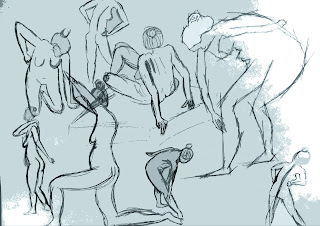
So I have decided to do many drawings of the same pose.


and respond to the poses in an expressionistic way.

Tuesday, 26 February 2013
Unit4: CG Artists Toolkit- Lifedrawing week1
During this lesson we had to volunteer to model for the rest of the class.


Tuesday, 12 February 2013
Unit3: CG Artists Toolkit- Lifedrawing Week6
During this session, I aimed at some sort of expressionistic style, which will help me during my current character design.
Quick poses ( 2min)

35min pose

15min poses


@Alan - Maya Tutorial Spot Check
Geometry Types
Character Part 1: Modelling
Texturing Part 1: Common Shaders
Character Part 2: Textures
Character Part 3: Lighting & Rendering
Animation Part 1: Using Rigs (Tutorial at 14 mins - Car Only)
Camera Control Part 1: Creating a Camera Rig
Camera Control Part 2: Pan Shot
Camera Control Part 2: Roll Shot
Camera Control Part 2: Pitch Shot
Camera Control Part 3: Crane Shot
Camera Control Part 3: Dolly Shot
Camera Control Part 3: Distance Shot
Camera Control Part 4: Focal Length
Camera Control Part 4: Coverage
Camera Control Part 4: Camera Shake
The Bouncing Ball Part 1: On The Spot
The Bouncing Ball Part 2: With Travel & Rotation
Settle & Rest: Pendulum
Secondary Action & Overlap: Hanging Chain
Squash & Stretch: Jumping
Anticipation & Follow-Through: Can Snatch
CG Artist's Toolkit: Maya- Intro to Autodesk Maya
Geometry Types:

Character Part 1: Modelling:



Character Part 1: Modelling:

Texturing Part 1: Common Shaders:


Character Part 2: Textures:


Character Part 3: Lighting & Rendering:

Animation Part 1: Using Rigs (Tutorial at 14 mins - Car Only) :
Monday, 11 February 2013
CG Artist's Toolkit: Maya- Pre-Viz 1
Camera Control Part 1: Creating a Camera Rig:

Camera Control Part 2: Pan Shot
Camera Control Part 2: Roll Shot
Camera Control Part 2: Pitch Shot
Camera Control Part 3: Crane Shot
Camera Control Part 3: Dolly Shot
Camera Control Part 3: Distance Shot
Close up:
Mid- distance:
Far Distance:
Camera Control Part 4: Focal Length
Camera Control Part 4: Coverage
Camera Control Part 4: Camera Shake
Pass by:
Car Drops:

Camera Control Part 2: Roll Shot
Camera Control Part 2: Pitch Shot
Camera Control Part 3: Crane Shot
Camera Control Part 3: Dolly Shot
Camera Control Part 3: Distance Shot
Close up:
Mid- distance:
Far Distance:
Camera Control Part 4: Focal Length
Camera Control Part 4: Coverage
Camera Control Part 4: Camera Shake
Pass by:
Car Drops:
Monday, 28 January 2013
CG Artist's Toolkit: Maya- Intro to Character Animation
The Bouncing Ball Part 1: On the Spot
Secondary Action & Overlap: Hanging Chain
The Bouncing Ball Part 2: With Travel & Rotation
Settle & Rest: Pendulum
Squash & Stretch: Jumping
Anticipation & Follow-through: Can Snatch
Secondary Action & Overlap: Hanging Chain
The Bouncing Ball Part 2: With Travel & Rotation
Settle & Rest: Pendulum
Squash & Stretch: Jumping
Anticipation & Follow-through: Can Snatch
Wednesday, 23 January 2013
Unit3: CG Artist's Toolkit- Week3
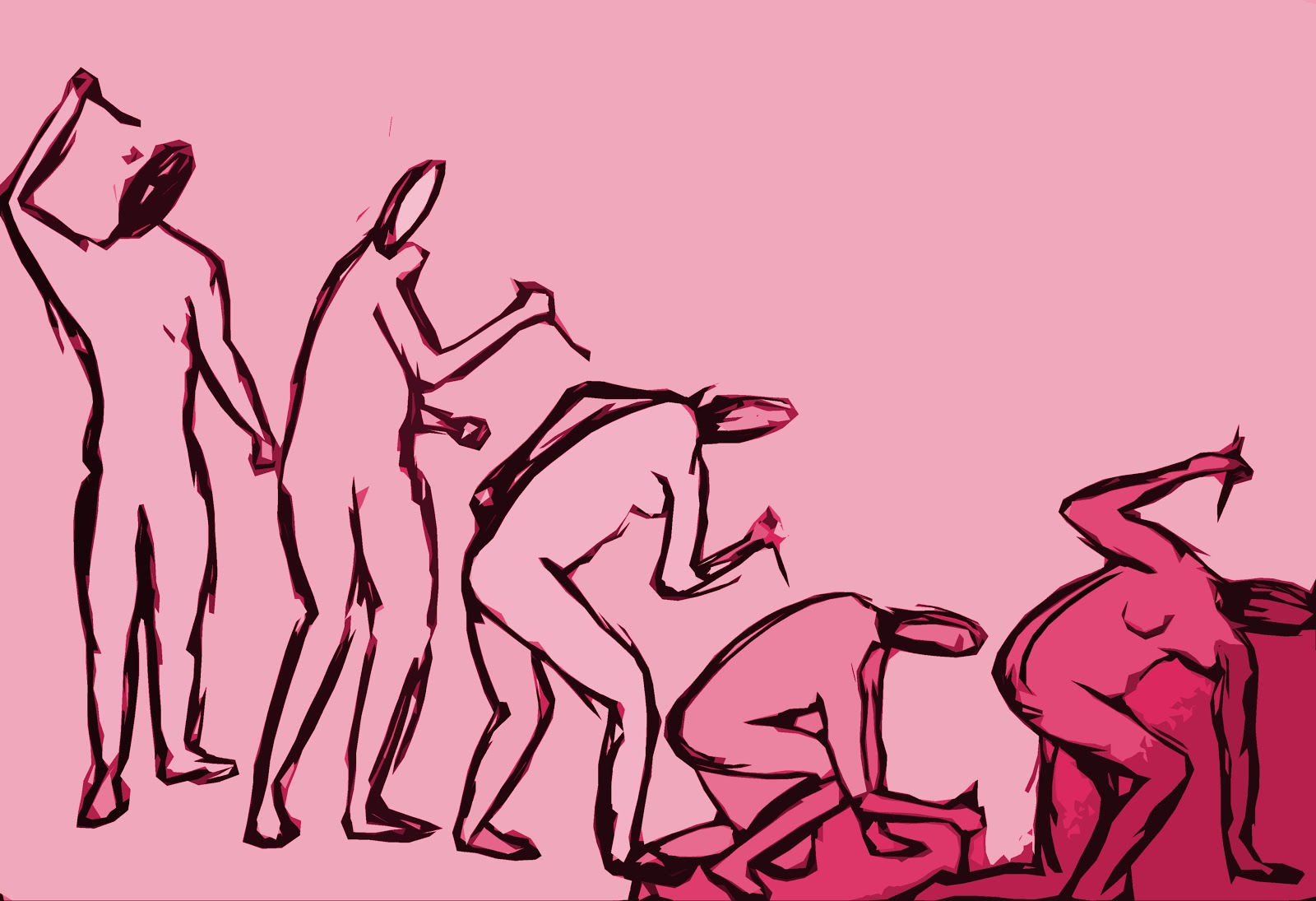
This session was about drawing quick poses which I prefer the most, as well as doing linear drawings of a sequence.


Wednesday, 16 January 2013
Unit3: CG Artists Toolkit- Week2
Quick Poses (1min)

Trying to communicate timidity through this drawing, by making it in the centre of the image and small

Concerning this drawing, I used straight sharp lines to evoke some sort of dominance.

Sunday, 13 January 2013
Unit3: CG Artists Toolkit- Week1
1-Quick Poses

2-

3)

4)

Thursday, 13 December 2012
CG Artist’s Toolkit: Life drawing week12
Quick poses

This was very interesting, we had to draw the model while she is doing a walk cycle, a minimum of lines to catch the essence of the pose.

10min pose, but as the pose was tricky in terms of perspective, I kept practising and trying to get it right.

Experimenting with different colours


Subscribe to:
Posts (Atom)